Get the highlights.
Raw screen record to polished AI demo—tight narrative, captions, and pacing for your site, deck, or changelog.
for early access
How it works
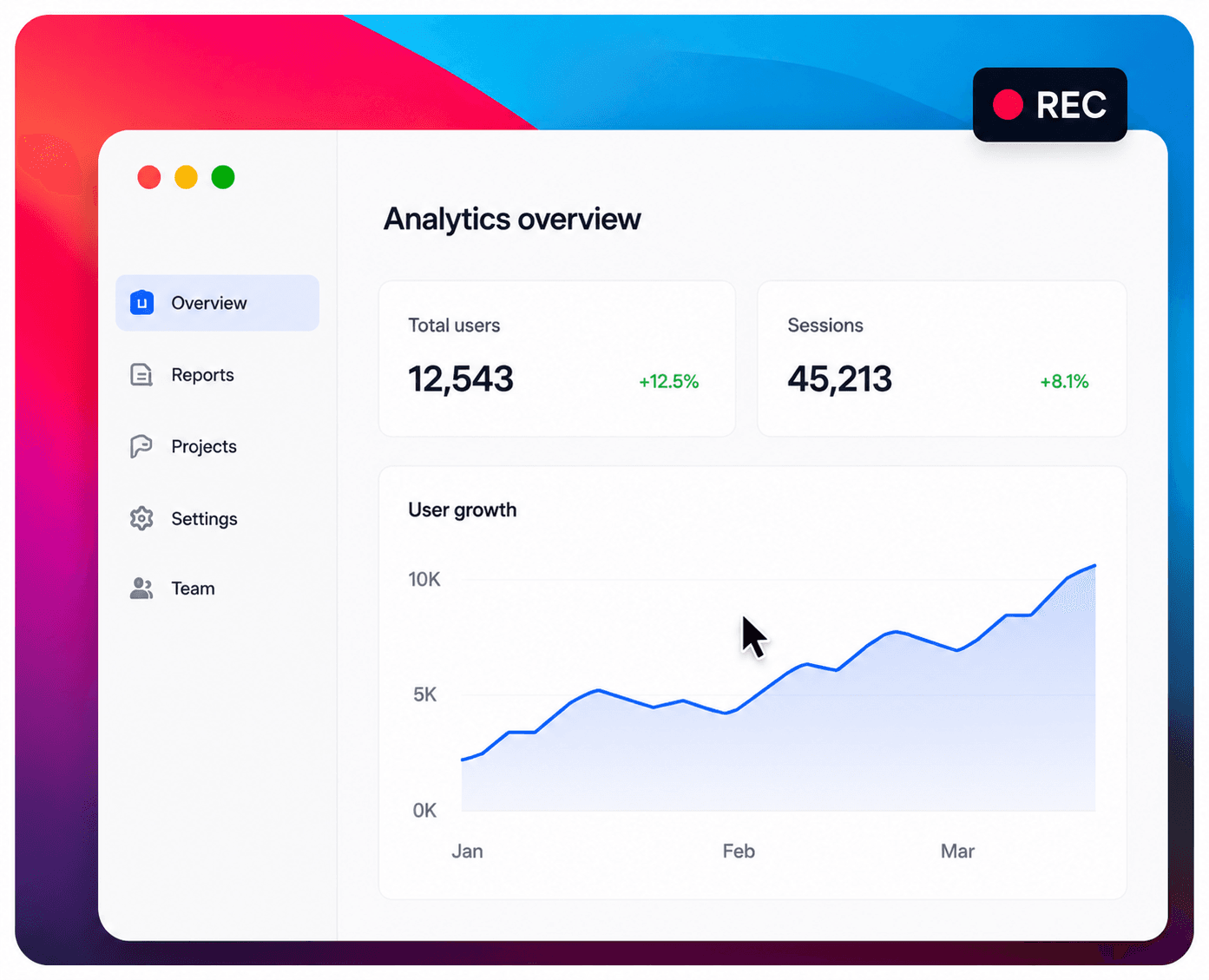 1
1Record your screen or upload a raw capture—messy is fine.
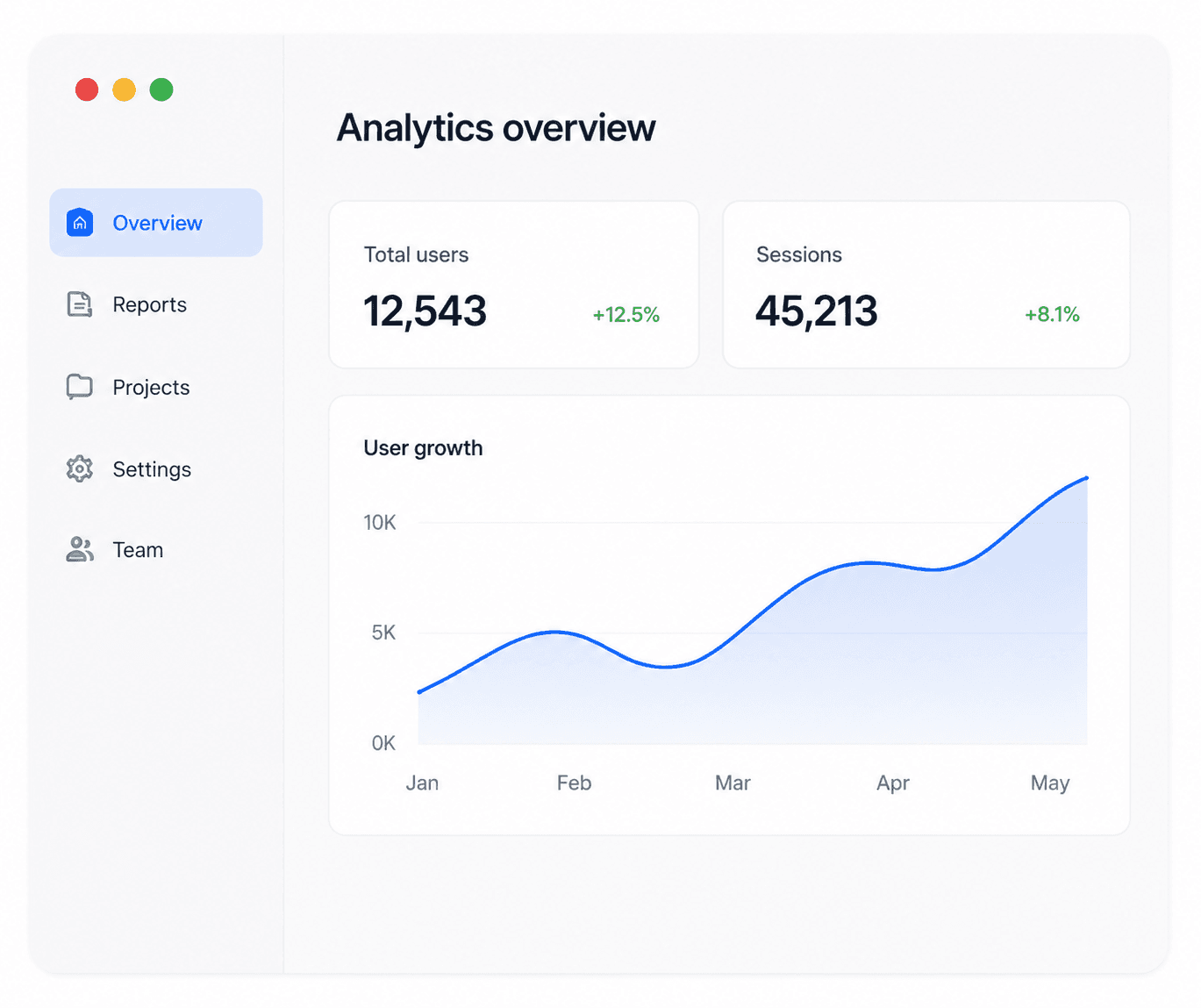 2
2Screensky trims, structures, and polishes into a clear product story.
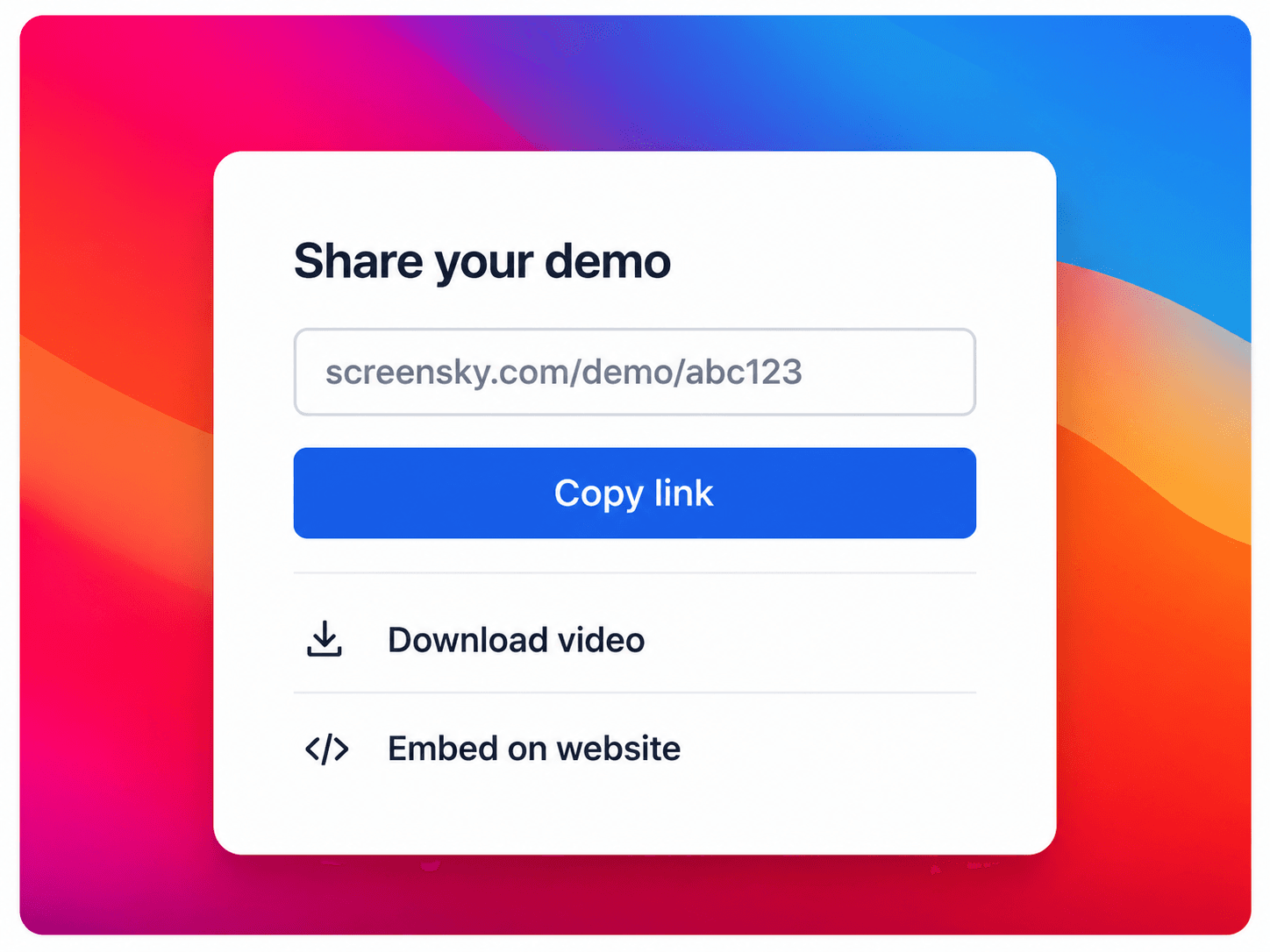 3
3Export a demo you are proud to share—link, file, or embed.